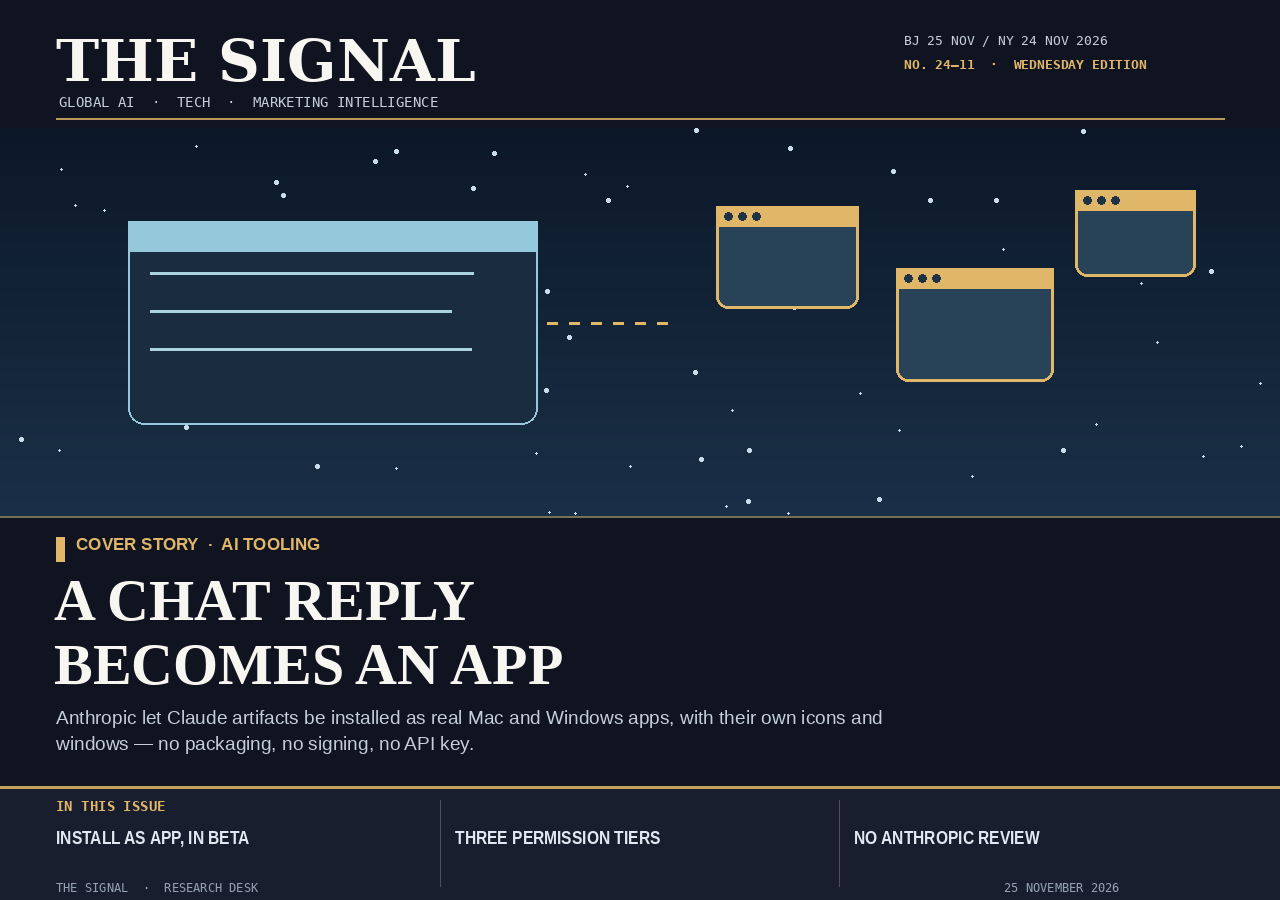
“Install as app” gives Claude artifacts their own window and icon on Mac and Windows — no packaging, no signing, no API key. The permission model is the part worth reading.
Anthropic announced on November 24 that Claude artifacts can be installed as desktop applications. A user describes an app in chat, tries the resulting artifact, then picks “Install as app” from the Share menu. It appears with its own icon and window, opens like any other program, updates automatically when the underlying artifact is edited, and keeps using the user’s Claude account and connectors. There is nothing to package or sign, and no separate API key.
The shift is small in mechanics and large in category. Artifacts began as shareable outputs — a chart, a webpage. People started using them as recurring tools: a meeting-prep page that pulls from calendar and email, an order-shipping tracker, an image editor, a terminal with Claude alongside it. Those lived inside the conversation. Installed, they become software you keep. Anthropic’s framing is plain: if you rely on a tool for work, it should open like the rest of your apps.
Three permission tiers sit underneath it. Default gives an installed app only what a browser tab could do. “App permissions” covers notifications, global shortcuts, always-on-top windows and menu-bar or tray items. “Full computer access” lets an app run programs and read, change or delete files without asking each time. Two rules matter most: an approval applies to one version only, so every update — including your own edit — triggers a fresh request; and Anthropic explicitly says it does not review apps before installation. Full access is limited to apps you made, or, on Team and Enterprise, apps made inside your organization. Enterprise has the feature off until an owner enables it; HIPAA-ready and hybrid deployments are excluded; Linux, web, mobile and Claude Docs/Slides/Sheets are unsupported at launch.
That last set of caveats is the story for anyone buying this for a team. A one-click path from a prompt to a desktop icon collapses a build, signing and distribution pipeline that used to be a real barrier. It also moves the security review to local files, executables, connected services and every subsequent version. Version-scoped approval is a sensible guard; the absence of a vendor review means the organization owns the decision. For marketing and ops teams, the practical upside is real — dashboards and internal utilities without a dev ticket — but “who can install an app that can read my files” is now a policy question, not a hypothetical one.
The rollout is beta across Free, Pro, Max, Ultra, Team and Enterprise plans on Claude Desktop 6.28899.0 or later. Building an app and any requests it makes count against the plan’s usage limits; opening one requires an active, signed-in Claude session.
Note: an earlier Chinese-language aggregator item also claimed GitHub Copilot had added GPT-5.6 support. No authoritative source for that claim could be verified at the time of writing, so it has been excluded from this report.