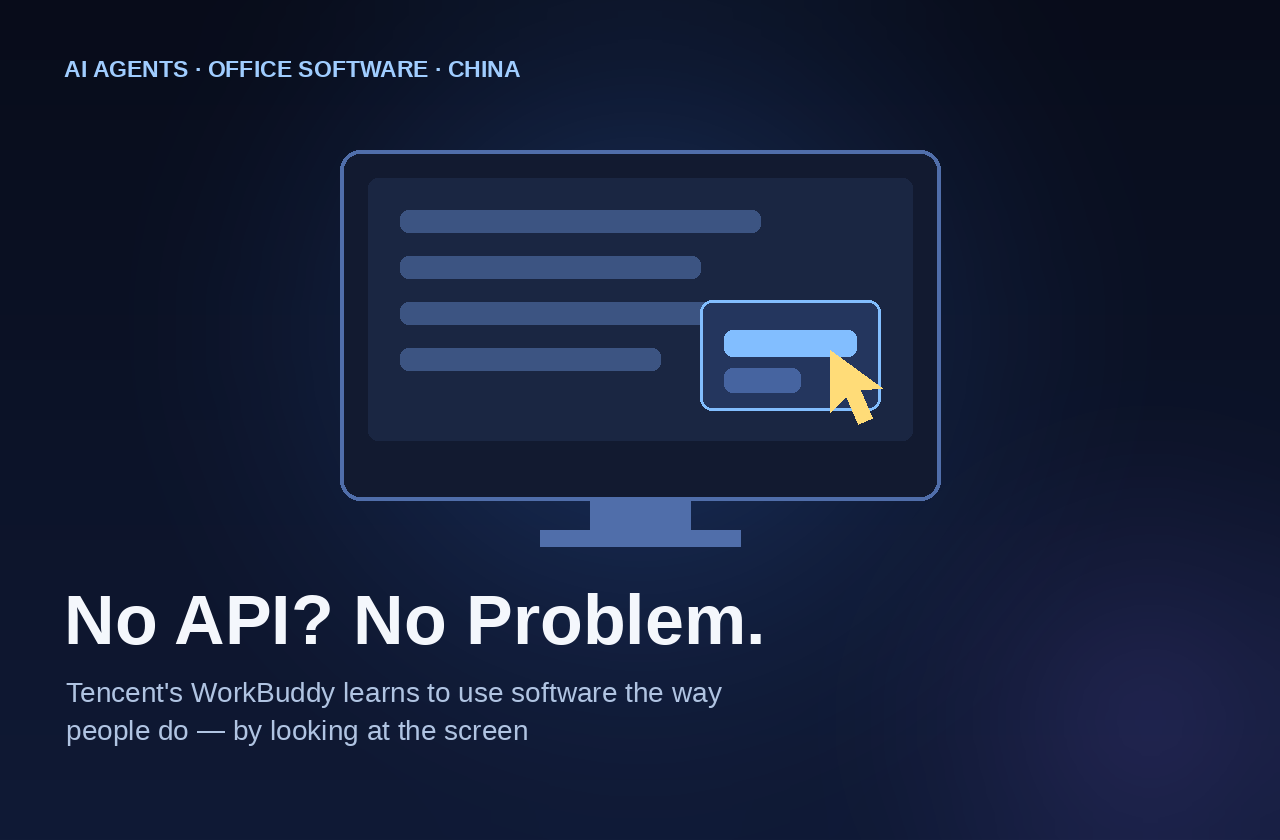
For two decades, the boundary of office automation was the API. If a piece of software didn’t expose an interface, no bot could touch it, and entire categories of legacy business systems stayed locked behind human clicks. On November 20, Tencent’s office AI WorkBuddy entered public beta for a feature that treats that boundary as optional: Computer Use. The assistant reads the current page, understands desktop client interfaces, and performs clicks, typing and scrolling itself — no interface cooperation from the target software required, running in the background while you do something else.
The launch details are mundane in the way real products are. It works on both macOS and Windows, requires client version 5.11.0 or newer, and asks for two system permissions — accessibility and screen recording — before it can see and act. Tencent is candid that interface recognition quality varies by application. This is a beta, not a guarantee, and the official guide reads like it was written by people who have watched automation go wrong: start with a single query or one record, watch the picture-in-picture progress window, stay present for sensitive operations like logins, payments, submissions and deletions, and verify results in the original system before trusting them.
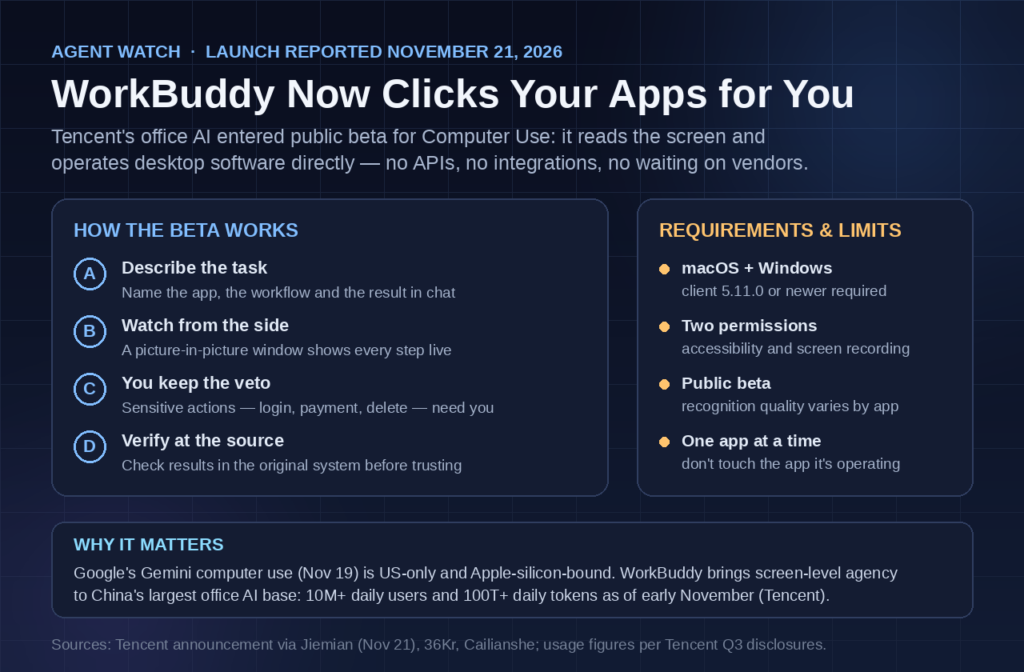
The timing invites comparison, and the comparison is the story. Google began rolling out computer use in its Mac Gemini app on November 19 — US English users only, Apple Silicon Macs only, paid tiers only. Tencent’s version, two days later, covers Windows too and ships into what Tencent’s own disclosures describe as China’s largest office-AI footprint: more than 10 million daily active users and over 100 trillion daily token calls as of early November. One rollout is a premium feature for a niche; the other is screen-level agency distributed to an existing mass workplace.
For marketing operations teams, the unlocked category is specific: every backend that never got an API. Uploading creative assets into a stubborn ad platform, pulling reports from a legacy ERP, reconciling orders across two systems that don’t talk to each other — Tencent’s own demos include exactly this pattern, matching a warehouse receipt number against an asset system to prepare equipment records. The traditional answers were RPA licenses or begging vendors for integrations. The new answer is an assistant that operates software the way an intern would, except it reads every screen instantly.
The caveats deserve equal billing. An agent clicking through production systems can make mistakes at machine speed, which is why Tencent’s guidance keeps a human on approvals and verification. Enterprises will also need to answer governance questions the beta doesn’t settle: audit logs, permission scoping, liability when the agent mis-clicks a delete. And “recognition varies by app” means the long tail of weird internal software will need testing, not faith. Still, the direction is set. When the two largest office ecosystems on earth ship screen-reading agents in the same week, the API stopped being the gatekeeper of automation — and every SaaS moat built on “we don’t integrate” just got a lot shallower.