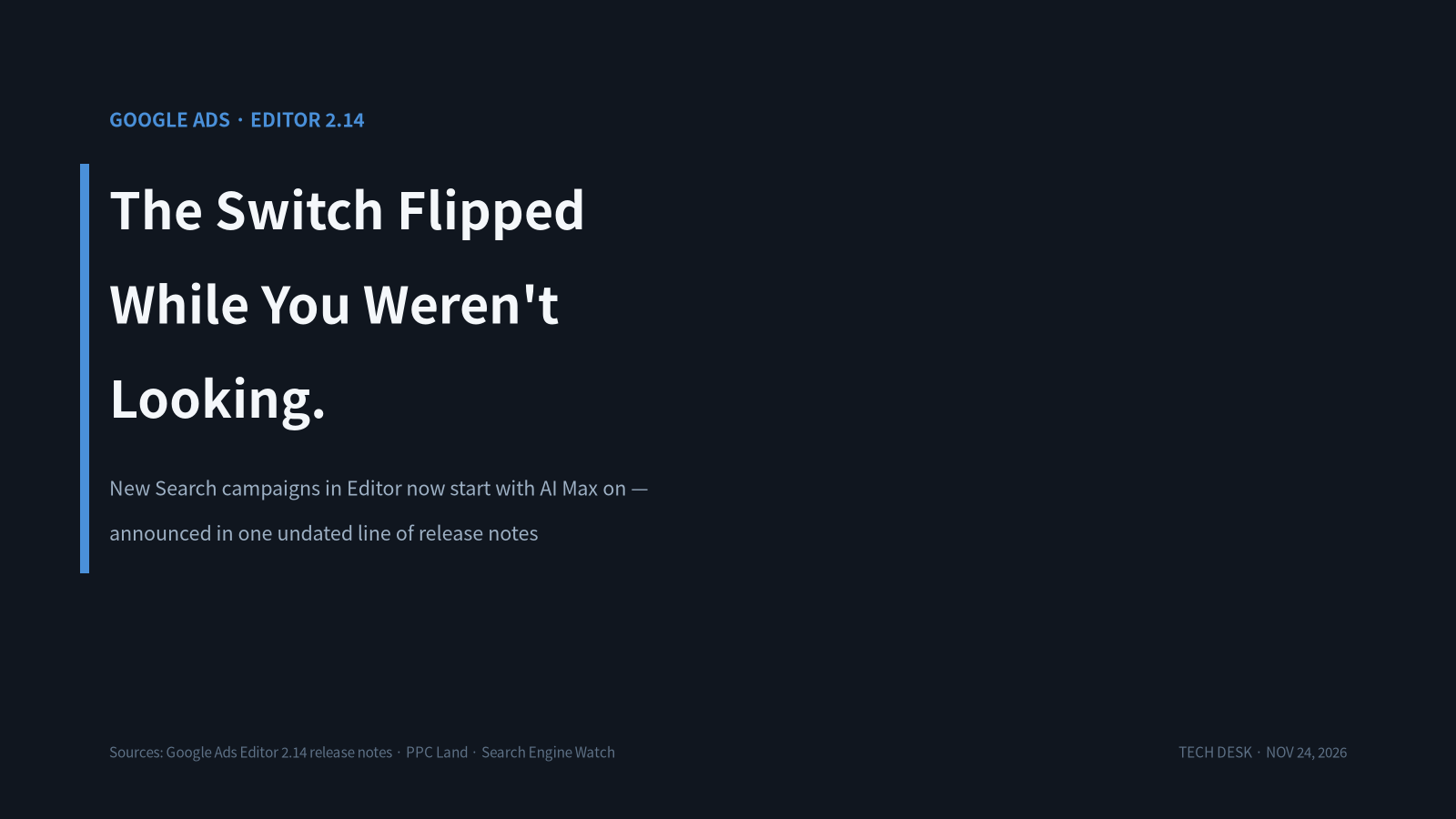
There is a difference between a toggle and a default, and it’s the difference between a choice and an audit task. Google Ads Editor 2.14 — reported by Search Engine Roundtable on November 12 — crossed that line quietly: new Search campaigns created in the desktop bulk tool now start with AI Max, text asset automation, and Final URL expansion all switched on. The change appeared as a single sentence in release notes that carry no date.
Why the venue matters: Editor is where practitioners build campaigns at volume, often from spreadsheet templates, often across dozens of client accounts. A team that posts forty new Search campaigns on Monday morning now ships forty campaigns with automated matching, AI-generated ad text, and landing-page substitution active — unless someone remembered to check. The notes don’t say whether the default applies to spreadsheet imports, to the web interface, or via the API. They don’t say anything about existing campaigns. What they do say is enough to change what a “new campaign” means before anyone touches a setting.
The contrast with September is the tell. When Google migrated existing broad-match and automatically-created-assets campaigns into AI Max, it preserved their configurations and left Final URL expansion off for everyone. The new-campaign default turns it on. That’s the component with teeth: clicks can land on a different page of your domain than the one you chose, and Google’s own documentation says pinned headlines — the ones teams pin for legal wording, pricing, or location names — may be dropped when the system substitutes a URL. Text customization, meanwhile, writes headlines and descriptions from your site content, existing ads, and keywords.
Google’s evidence for the bundle is an average 7% more conversions or conversion value at similar CPA — a figure worth reading with its fine print attached: it comes from Google’s own data on non-retail advertisers comparing the full feature set against search-term matching alone. It is a vendor claim, not an audited result, and it does not describe your account. Third-party retail data points a different direction: Smarter Ecommerce’s analysis of 250+ retail campaigns found median conversion value up 13% but median CPA up 16% — more revenue at worse efficiency. Both things can be true across different account types. Neither substitutes for your own split test.
The practical work this week is unglamorous and specific. Build one test campaign in Editor after updating and screenshot the starting settings. Audit every bulk template your team reuses. If you import spreadsheets, test one import and check what it inherits — the notes are silent, so verify rather than assume. If Final URL expansion stays on, enumerate the pages it could pick (careers, login, out-of-stock categories, old promos) and exclude them. And if you pin assets for compliance reasons, decide explicitly whether expansion should be on at all. Check the search-terms report a week after every new launch, not a month.
Step back and the pattern is the story. Across 2026, Google has moved automation from opt-in to opt-out one surface at a time — the September AI Max migration arrived with dates and notices; Performance Max image extraction defaults on for new campaigns December 4; Dynamic Search Ads are slated to migrate in February 2027. The Editor default fits the sequence but skips the ceremony: no date, no migration notice, one line. Controls keep accumulating in the settings panel while defaults keep moving in the other direction. For agencies, “check the defaults” just became a billable line item — and for Google, every unchecked default is an AI Max adoption metric.